Database & Backend
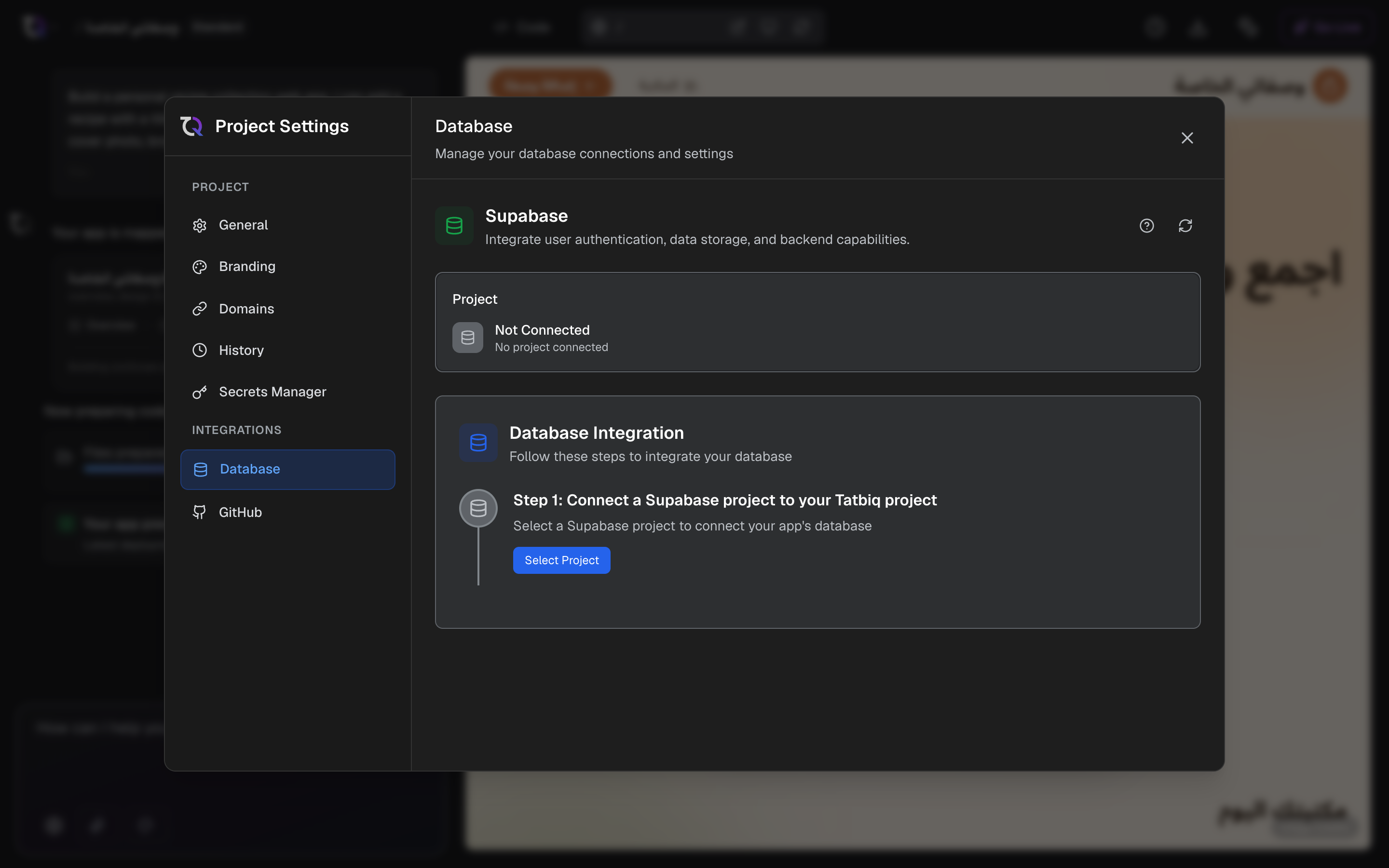
Database & Backend is your app's own server for data, files, sign-in and secret keys. It's powered by Supabase, and everything lives in your own Supabase project. TatbiQ sets it up for you.
What your app gets
| What it's for | |
|---|---|
| Save information | Products, orders, messages, bookings |
| Sign-up and log-in | People create their own accounts |
| Store files | Photos, documents and anything people upload |
| Private server code and keys | Payments, AI and other integrations run here with their secret keys, out of visitors' sight |
Services such as Ziina, UAE PASS, ChatGPT and Gemini keep their keys here, so the Hub asks for Database & Backend before them. See Your app needs a backend first.
Before you start
- A free Supabase account. You can create one while connecting.
- A new, empty Supabase project for this app. TatbiQ doesn't create it for you: make one on supabase.com, it's free.
- Your app deployed once. This usually happens by itself after your first chat message. If it hasn't, the page shows Deploy your app once first and Go to chat.
Open Database & Backend
Open Settings, then Integration Hub, and select Database & Backend. You can also open Supabase in the Hub's catalog.
Set it up
Select Connect Supabase. You sign in on supabase.com, then come back here.
Select Choose a project, pick your new, empty project and select Use this project. If it isn't there, select + Make a new project on supabase.com, then come back and refresh.
Select Add it to my app. TatbiQ updates your app so it saves information and has sign-up and log-in. It takes a few minutes, and you can select Stop.
Select Create tables. TatbiQ makes the places your app stores information, then redeploys your app. That takes about two minutes.
When it's done, the page shows Your database with the badge Working.
Use a new, empty project for each app. If you pick one that already holds data, TatbiQ warns you and asks you to confirm with Use <project> anyway. A new, empty project is safer.
Automatic setup
When you connect a service that needs a backend, Database & Backend opens with Setting up by itself. You only sign in to Supabase and pick the project. Everything after that runs by itself, and the window closes when your backend is ready. The service then carries on.
If a step needs you, setup stops and says so. Fix it on the page and it carries on.
Before real people use it
The Overview tab has a short checklist. TatbiQ checks both items by itself.
| Item | What it means |
|---|---|
| Tables created | Step 4 is done. |
| Sign-in emails link to your live address | Links in sign-up and password emails should open your live app, not the preview. Select Fix it for me, or Change it in Supabase to do it yourself. See Supabase's redirect URLs. |
Look inside your data
Under Look inside, each link opens your project on supabase.com in a new tab.
| Link | Opens |
|---|---|
| Your data | Your tables and rows |
| People who signed up | Your app's users |
| Files | Uploaded files |
| Server functions | The private code your integrations run |
| Sign-in emails | The email templates people receive |
When chat adds features
When chat adds a feature that needs new places to store information, the badge shows 1 change waiting or <n> changes waiting. Select Apply changes. Your app is redeployed afterwards, which takes about two minutes.
Switch to another project
On the Settings tab, select Switch and pick the project. Your data does not move with you: everything saved before stays in the old project, and you create your tables again in the new one.
Remove the database
On the Settings tab, select Remove. The dialog Remove the database from this app? lists what stops and what is kept. All your data stays in your Supabase project, your Supabase account stays for your other apps, and you can add it back any time.
If services keep their secret keys in this database, TatbiQ asks you to Remove these integrations first, because they would break without it.
To put your app's code back to how it was before the database, use Undo the database setup. You pick the version in History. See Checkpoints.
Troubleshooting
| You see | What to do |
|---|---|
| Paused on Supabase | Free Supabase projects pause after about a week without use. Select Resume on Supabase. TatbiQ checks every few seconds and finishes by itself. See Supabase's pricing. |
| Starting up | Your project is waking up. Wait a minute; the page updates by itself. |
| Sign in again | Your app and its data are fine. Select Sign in to Supabase again so TatbiQ can make changes. |
| Needs a fix | Some changes could not be made. Select Fix it or Fix all. TatbiQ can usually fix this by itself in under a minute. |
| A blank screen, or log-in not working | Under Something not working?, tell chat what you see. It can check your database and fix your app. |
FAQ
Does TatbiQ create the Supabase project for me?
No. You make a new, empty project on supabase.com, then pick it in step 2. Everything after that is automatic.
Does it cost anything?
Supabase has a free plan. Free projects pause after a week without use, and you can have two active at a time. See Supabase's pricing.
Where is my data?
In your own Supabase project. Removing the database from your app, or switching projects, never deletes it.
Can two apps share one project?
You can confirm it, but it isn't safe: the apps can overwrite each other's tables. Use one project per app.