Integrations in chat
Chat knows which services your app has and how each one is doing. Ask for a feature in plain words, and chat suggests the right service, asks a few setup questions, and shows a card that opens the Integration Hub for you. Chat never writes its own code for a service the Hub offers, and it never asks for your keys.
What you can ask
| You ask | What chat does |
|---|---|
| "Add a pay button to my cart" | Asks the payment setup questions in one card, then shows Connect Ziina. |
| "Add an AI assistant that answers questions about my menu" | Asks which AI to use if you haven't said, then what the AI should do. |
| "Is Ziina working?" | Tells you its status in plain words, for example that it's in test mode and waiting for a test payment. |
| "Accept USD as well as AED" | Shows the connect card again with your new answers. You save them in the Hub. |
| "Remove Gemini" | Shows a card that opens the Hub on its removal steps. |
| "My UAE PASS key changed" | Shows a card that opens the Hub where you replace the key. |
If a service is marked Coming soon, chat says so. It doesn't build a stand-in.
Connect a service from chat
Describe what you want, for example "Let people sign in with UAE PASS".
Chat asks all of them in one card. Pick an option, or type your own answers under Other (please specify).
The card opens the Hub on that service, with your answers filled in. Paste your keys there.
In the Hub, select Add it with chat. Chat builds the feature, then shows a card such as UAE PASS is ready to test with the steps to try it.
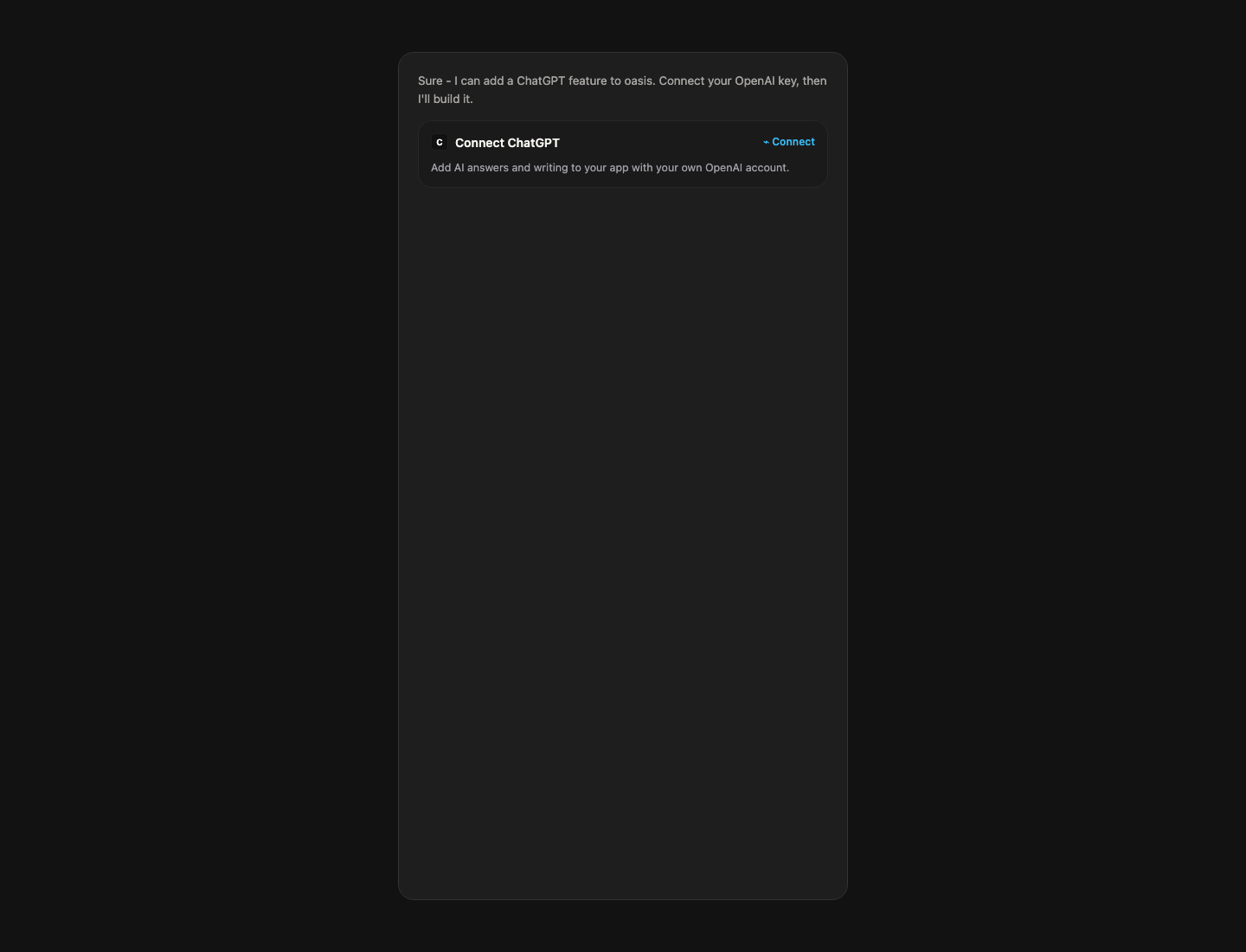
If the service is already in your app, the card shows its status and an Open button instead of Connect.
AI features
For AI features, TatbiQ asks its own short questions before anything is connected:
Shown only when more than one AI service fits and you haven't named one. Pick ChatGPT or Gemini.
A card with three ideas that fit your app, plus Write your own.
Only for chat features: No memory, Remember this visit, or Remember across visits (saved in your app's database for people who are signed in). Remembering sends earlier messages with each question, which uses more tokens on your AI account.
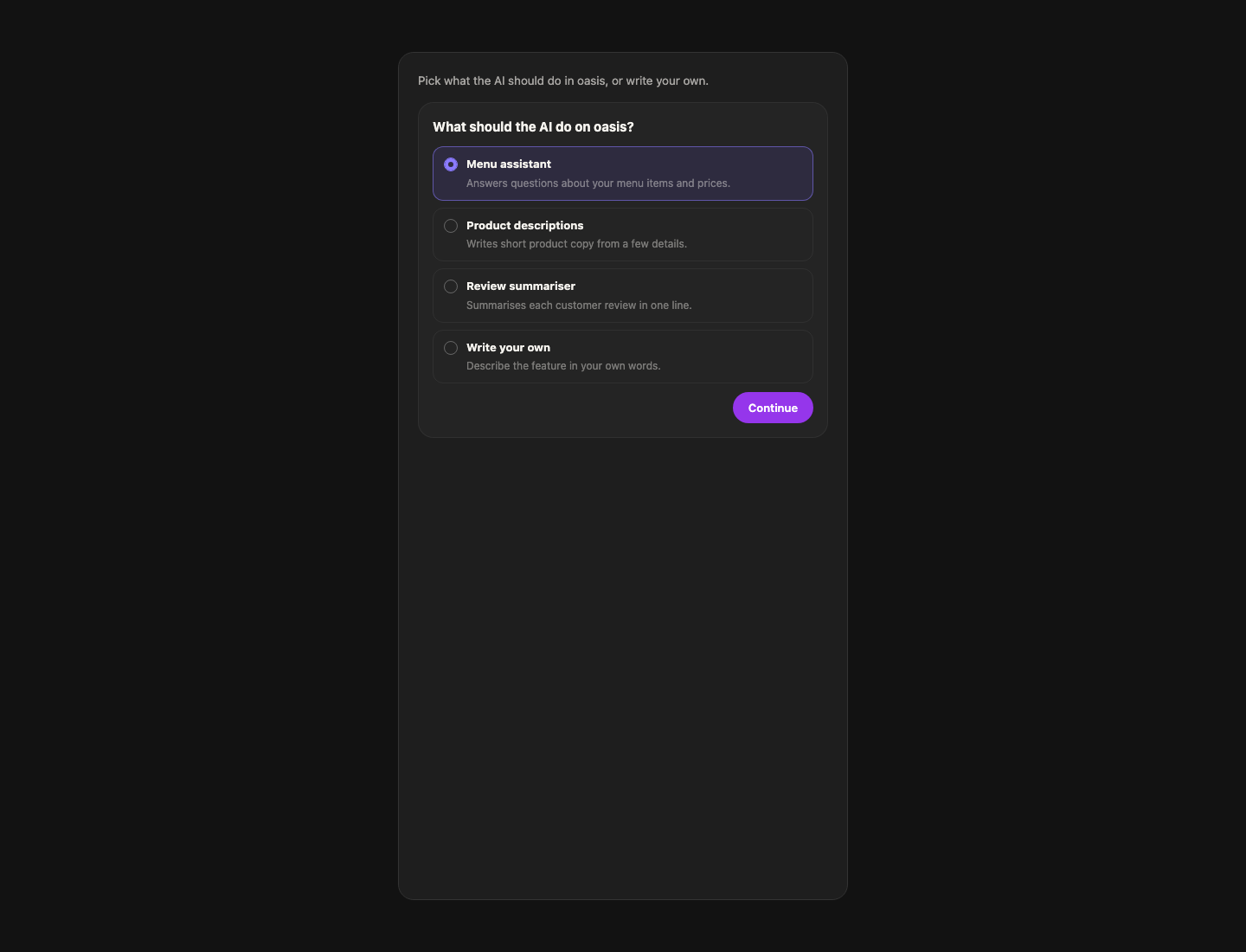
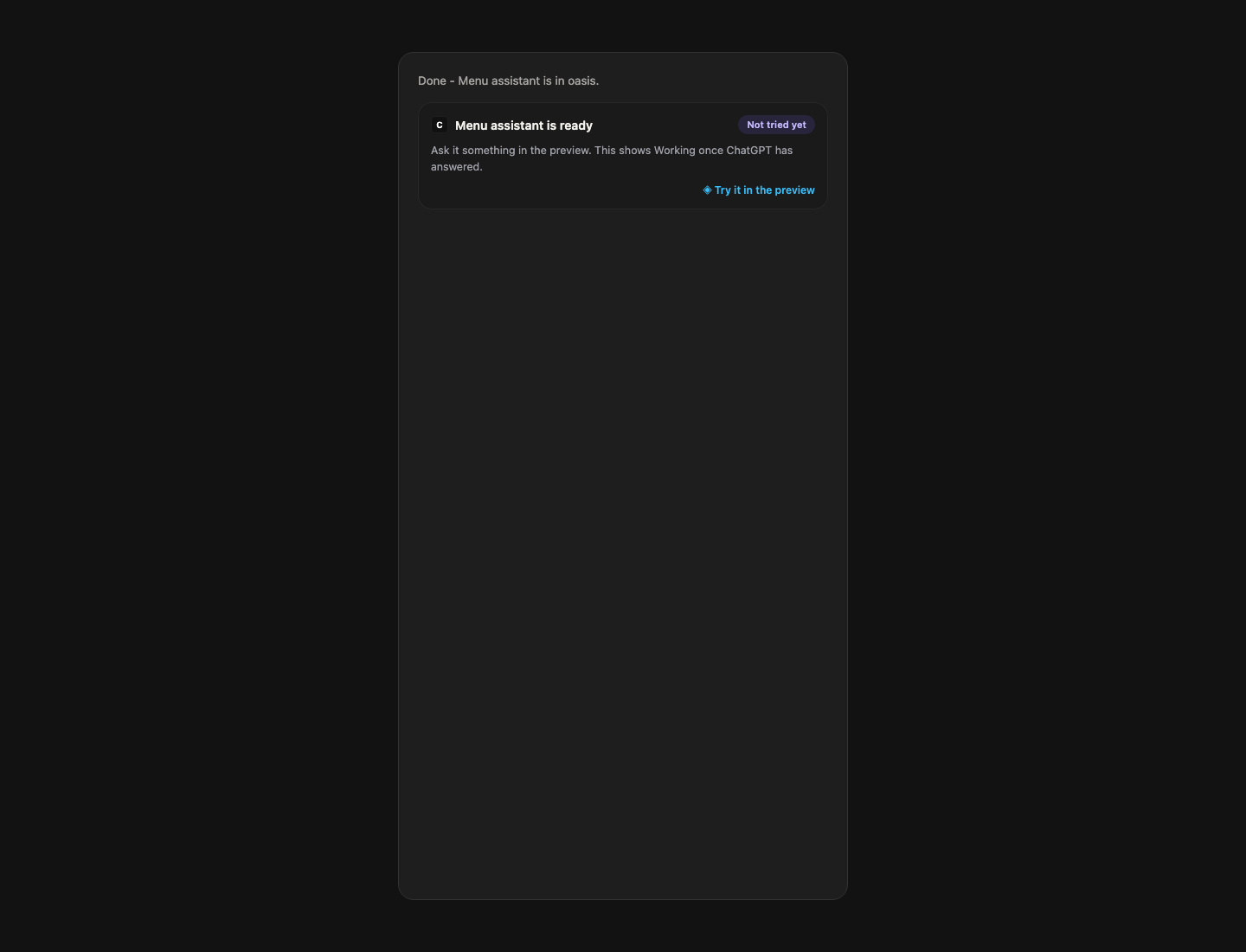
Then paste your API key in the small Connect window, and chat builds the feature. The card that follows says, for example, Menu assistant is ready, with Try it in the preview.
You can start the same flow from the Hub: open ChatGPT or Gemini, describe the feature under What should the AI do?, and select Send to chat.
Cards chat shows
| Card | When you see it | Its button |
|---|---|---|
| Connect followed by the service | A feature needs a service that isn't in this app yet. | Connect |
| … is ready to test | Chat added a guided service to your pages. Lists the steps to try it in test mode. | Open, followed by the service |
| … is ready | Chat added an AI feature. It shows Not tried yet until it answers in the preview, then Working. | Try it in the preview |
| Remove … from this app | You asked to remove a service. | Review removal |
| … settings | You asked to see or change a service's settings. | Open settings |
| Replace the … key | You asked to change a key, or the service rejected it. | Reconnect |
| … is no longer in your pages | An edit took out the last feature that used a service. It's still set up, with its key and server function. | Review removal |
| … is out of your pages | Chat finished taking a service out during a removal. Its server part is removed next. | Finish removing |
Manage a service from chat
Removing a service, changing its settings, and replacing its key always happen in the Hub. When you ask chat, it explains what the Hub will do and shows a card that opens the right step. Chat doesn't edit or delete the service's files itself, so nothing is left half-removed.
"Remove the chatbot from the About page" is a normal edit: the service stays in your app. "Remove Gemini" removes the service itself.
Keys never go in chat
You enter keys only in the Integration Hub's Connect screen. Chat never asks for them and never writes them into your files. If you paste one into chat, chat won't repeat it and points you to the connect card instead.
Chat messages are saved with your project. If you paste a key by mistake, create a new one in the service's dashboard and select Replace key in the Hub.
FAQ
Does chat write its own code for payments or sign-in?
No. When the Hub has a service for it, chat uses that service. For a service marked Coming soon, chat tells you it's coming soon instead of building a stand-in.
Why did chat show a card instead of making the change?
Removing a service, changing its settings, and replacing its key are done by the Hub, so your pages, server, and keys stay in step.
Which steps use credits?
Steps where chat changes your pages: adding a service, updating your pages for new settings, and taking a service out. Connecting a service and going live don't use credits.
Will chat suggest services by itself?
Only when your request needs one. After finishing a build, chat may add one short suggestion if it clearly fits, and it won't repeat a suggestion you ignored.