Create your first app
Building your first app starts with a single sentence. You describe what you want, and TatbiQ generates a complete, working web app for you.
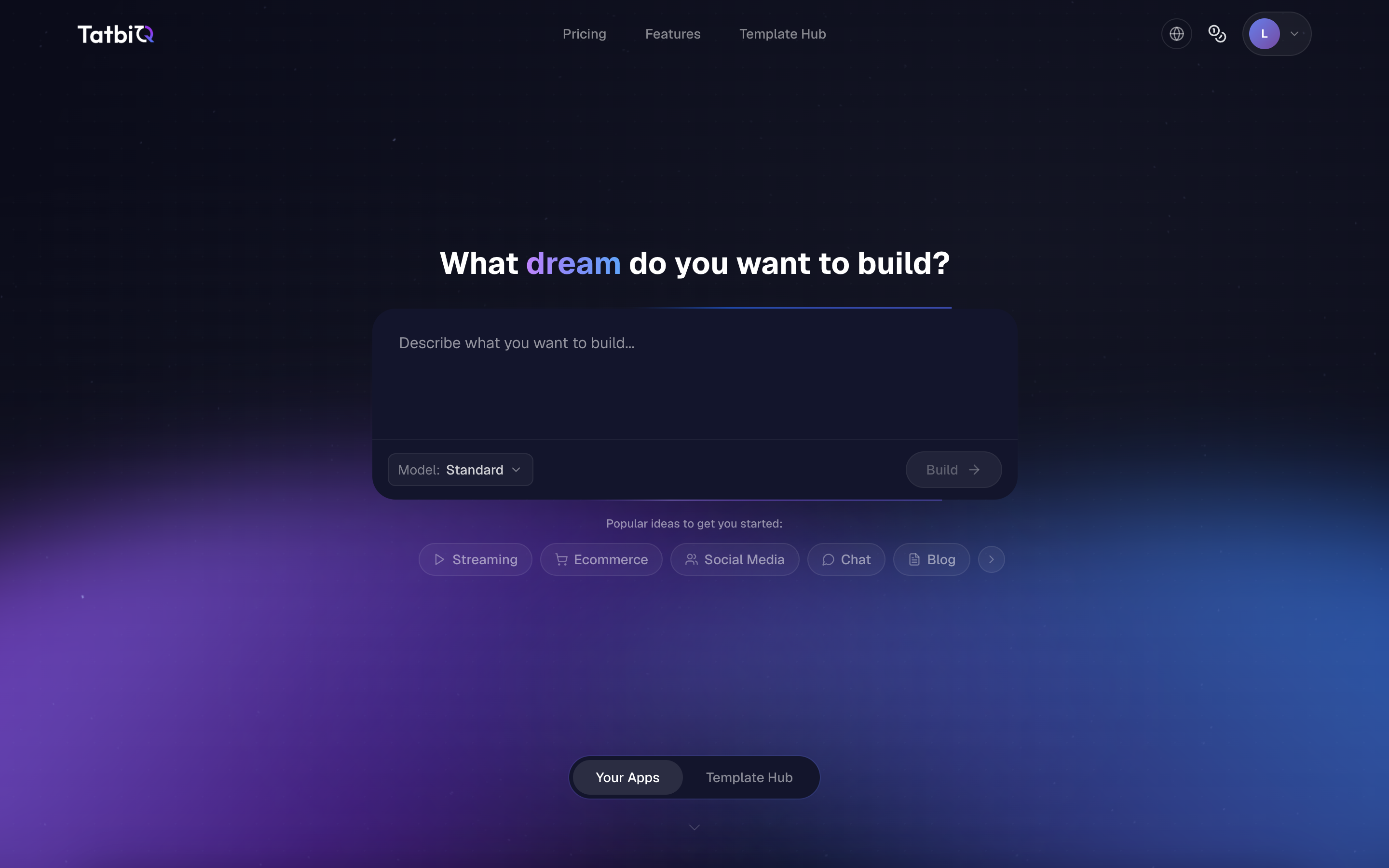
Describe what you want to build
Sign in and go to the TatbiQ home page.
In the prompt box (Describe what you want to build...), type a description of the app you have in mind.
Select Build.
That is it. TatbiQ reads your description and starts generating your app. While it works, the button shows Building....
The home page shows a set of Popular ideas to get you started, grouped by category such as ecommerce, portfolio, blog, and more. Select any idea to use it as a starting prompt, then change the wording to match what you need.
Prefer to start from an existing app? Browse the Template Hub and copy a community app into your workspace.
Write a clear prompt
The more specific your description, the closer the result will be to what you want. A good first prompt usually covers:
- What the app is. For example, "a personal portfolio website" or "an online store for handmade candles".
- The main pages or sections. For example, "with a home page, an about page, and a contact form".
- Key features. For example, "a product catalog and a shopping cart".
You can keep your first prompt simple. After the app is generated, you refine it through chat, so you do not need to describe everything up front.
For more detail, see Writing good prompts.
What happens next
After you select Build, TatbiQ generates your app and opens your project. From there you can:
Generating an app uses credits from your workspace balance. Your free account starts with credits included. To learn how usage works, see How credits work.