Create your account
You need a free TatbiQ account to start building apps. Signing up takes a minute, no credit card required, and every new account begins with free credits so you can build right away.
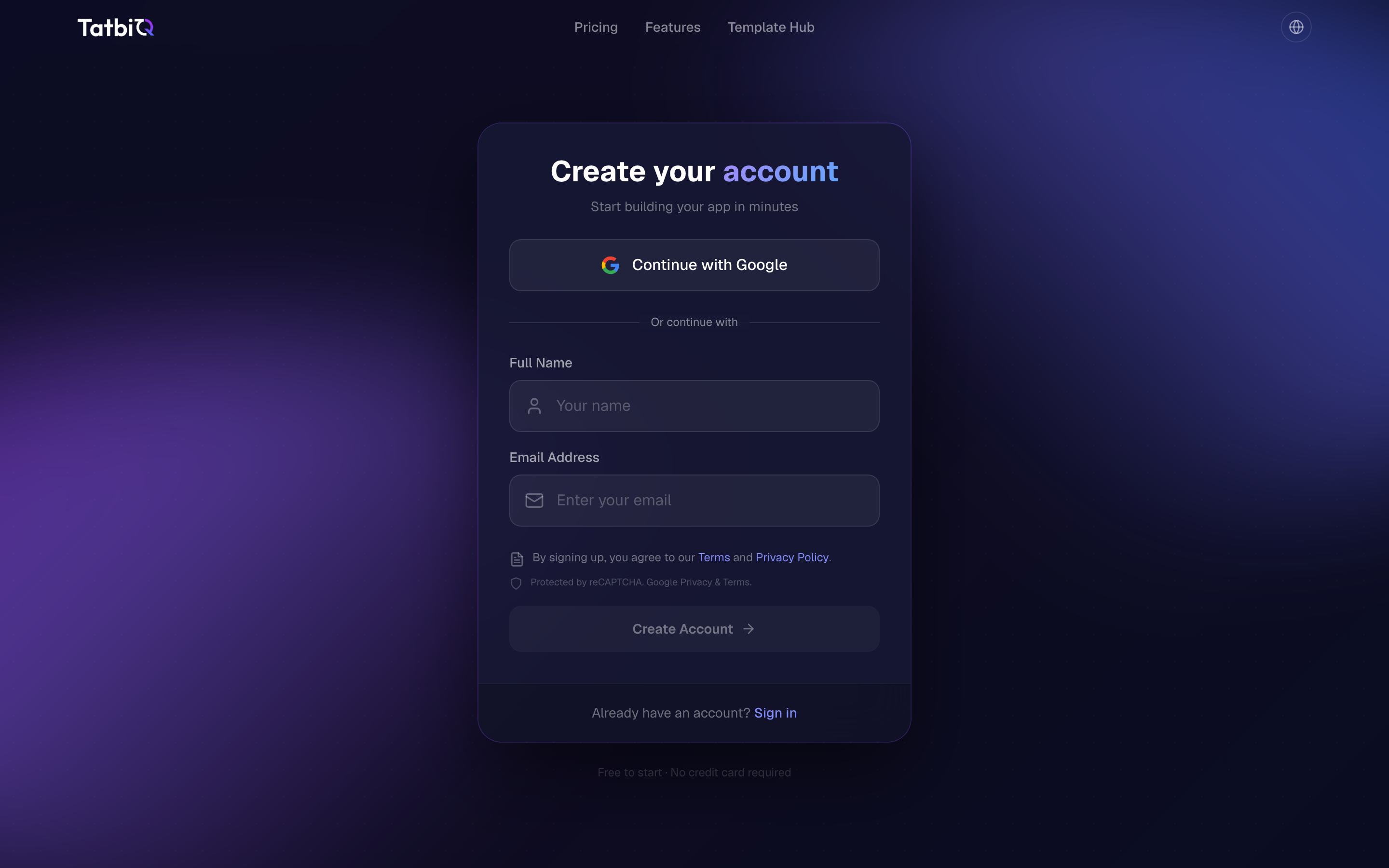
Sign up
Go to tatbiq.ai and select Start Building.
Select Continue with Google to use your Google account, or enter your Full Name, Email Address, and a Password, then select Create Account.
Review and accept the Terms and Privacy Policy when prompted.
You can sign up at no cost and with no credit card. Your account starts with free credits so you can build your first app immediately.
Verify your email
If you sign up with email and password, TatbiQ sends a verification message to the address you provided. Enter the verification code shown in the sign-up screen, or open the link in the email to confirm your account.
If you do not see the email, check your spam or junk folder, and use the option to resend the verification email.
Signing up with Continue with Google uses your existing Google account, so you do not need to verify a separate email.
Sign in
Once your account is set up, you can return any time:
Go to tatbiq.ai and open the sign-in screen.
Select Continue with Google, or enter your email and password and select Sign In.
Forgot your password? Use the Forgot your password? link on the sign-in screen to reset it by email.
Next step
With your account ready, you can build your first app.