Chat edit credit costs
When you edit your app through AI chat, each request costs a set number of credits. The cost depends on what you include in your message. Attaching an image or a Figma design asks the AI to do more work, so those edits cost a bit more.
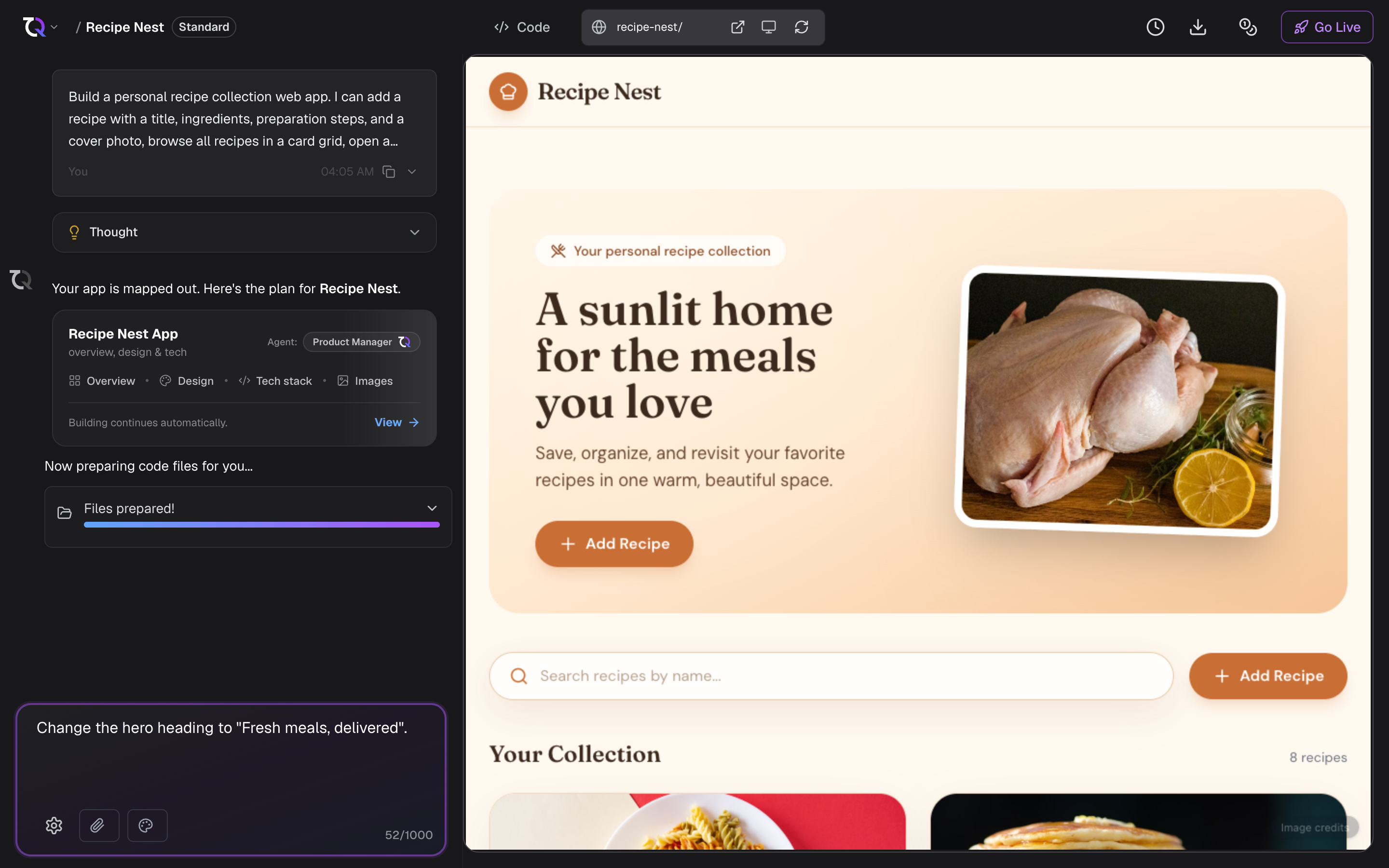
Cost per chat edit
| Chat edit | Credits |
|---|---|
| Text only | 25 |
| With an image attachment | 35 |
| With a Figma attachment | 45 |
| Conversation only (questions and explanations, no changes) | 5 |
| Prompt enhancement (rewriting your prompt before you send it) | 5 |
A few things to keep in mind:
- Text only edits are the most common. You describe the change in words and the AI updates your app.
- With an image or with a Figma edits cost more because you are giving the AI a visual reference to work from.
- Conversation only requests are for asking questions or getting explanations. Since the AI is not changing your app, these cost the least.
- Prompt enhancement costs 5 credits every time you click it, including if you enhance the same prompt again. See Enhance your prompt.
Visual edits are free
Changes you make yourself with the visual editor do not cost credits. Rewriting text, changing colours, adjusting spacing, swapping an image, and deploying those changes are all free, however many you make.
Credits only come into it when you ask the AI to do the work from the visual editor, and then the normal rates above apply:
- Edit with TatbiQ and Regenerate design are text-only chat edits, so 25 credits.
- Sending an annotation attaches an image, so 35 credits.
Tips to spend credits wisely
- Be clear and specific in your message so the AI gets it right the first time. See Writing good prompts.
- Only attach an image or Figma file when the visual reference genuinely helps.
- Use a conversation-only question when you just want to understand something before making a change.
- For small styling and wording changes, edit the element yourself instead of asking the AI. It is free and usually faster.