Changing language
TatbiQ is available in two languages: English and Arabic. You can switch between them at any time, and your choice is remembered the next time you sign in. When you choose Arabic, the interface also switches to a right-to-left (RTL) layout so everything reads naturally.
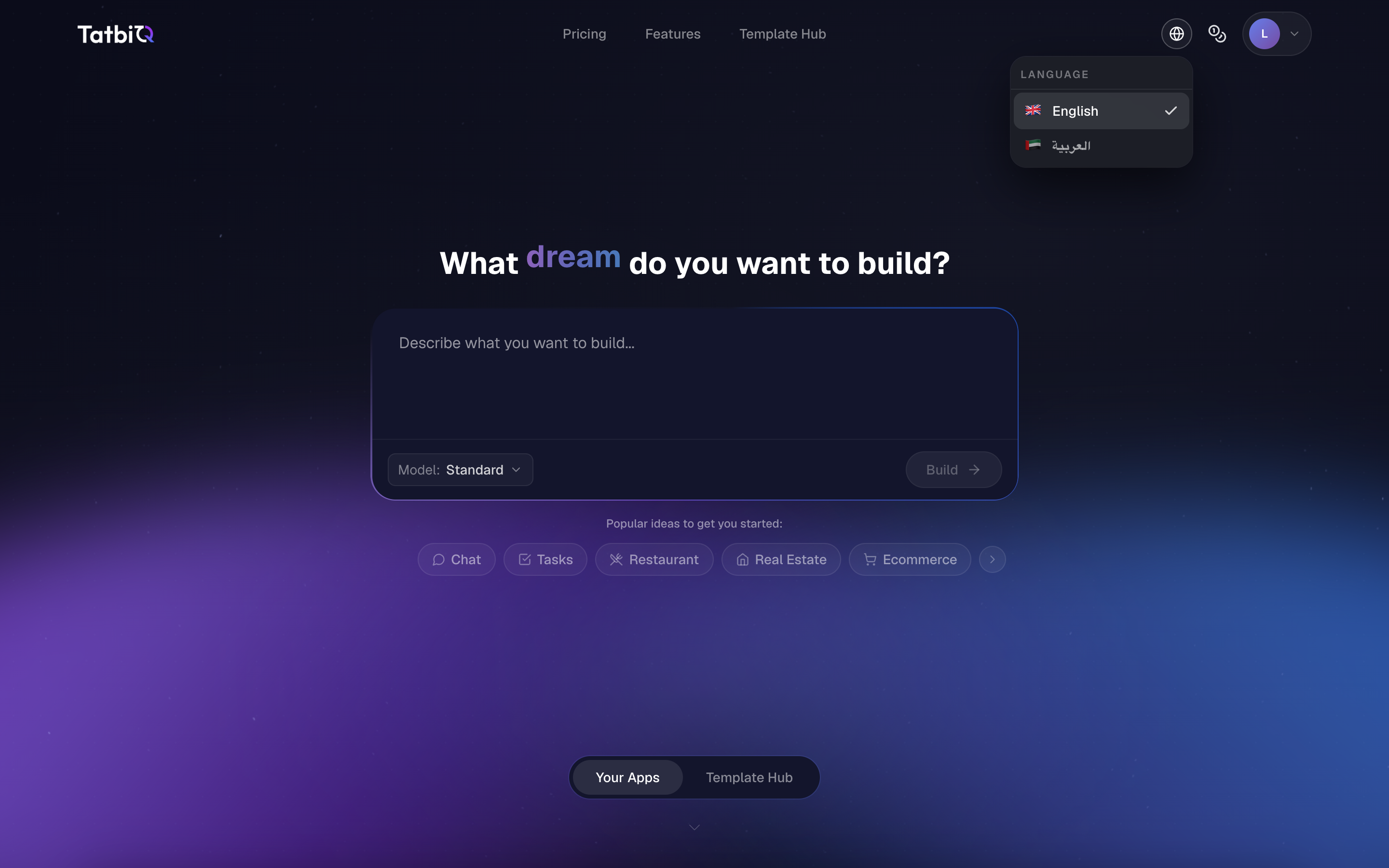
Switching the language
Look for the language button, shown as a globe icon, in the app.
Select the globe to open the language menu.
Choose English or العربية (Arabic).
A short switching screen appears, and the app reloads in your chosen language.
The language you are currently using is marked with a check so you can tell at a glance which one is active.
Your choice is remembered
TatbiQ saves your language preference in your browser, so the app stays in your chosen language the next time you come back. If you switch to a different browser or device, you may need to set your language again there.
Right-to-left layout for Arabic
When you switch to Arabic, the whole interface flips to a right-to-left layout to match the language. Switching back to English returns the layout to left-to-right. You do not need to change any other setting; the layout follows the language automatically.
Reading the docs in your language
These documentation pages are also available in English and Arabic. Use the language dropdown at the top of the docs to switch between them. The docs open in the same language you are using in the app.